
 Microsoft
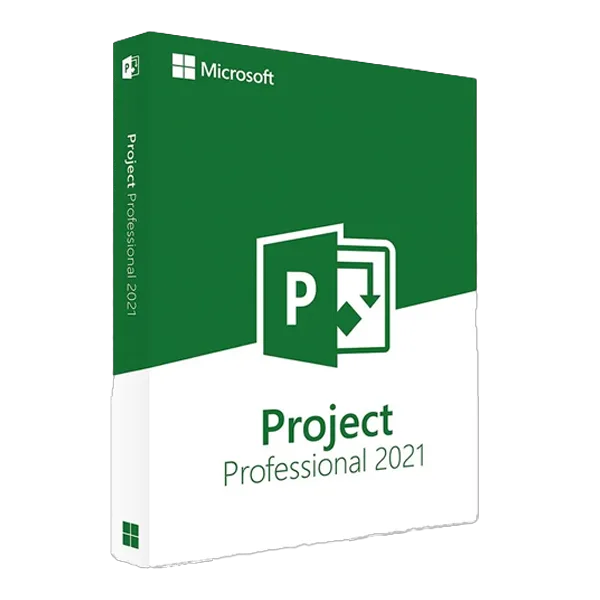
Microsoft Project Professional 2021
About this licence
Microsoft Project Professional 2021 is a perpetual licence for one Windows PC that provides tools for planning and tracking projects, including Gantt charts, resource allocation, portfolio dashboards and budget tracking. The licence is delivered as a digital key by email, with instant delivery during office hours and within 24 hours at other times.
This edition supports both 32-bit and 64-bit installers, multilingual interfaces and is valid for Windows platforms (Windows 10, Windows 11, Windows Server 2019). Licence variants include OEM (single activation) and Retail (reinstallable on the same device).
- Perpetual (one-time purchase, no subscription)
- Valid for 1 Windows PC
- Supports Windows 10, Windows 11 and Windows Server 2019
- Digital key delivered by email (instant in office hours, within 24 hours otherwise)
- 32-bit and 64-bit installers
- Multilingual interface
System requirements
System requirements — Project Professional 2021
Component RequirementOperating system Windows 10, Windows 11, Windows Server 2019
Processor 1.6 GHz or faster, 2 cores
Memory 4 GB RAM (64-bit) or 2 GB RAM (32-bit)
Storage 4 GB available disk space
Display 1280 × 768 resolution
Graphics DirectX 10-capable GPU for hardware acceleration
Internet Required for first-time activation and updates
Architecture 32-bit and 64-bit installers, multilingual
As of 2026-04-22. Project 2021 Professional is Windows-only — Microsoft has never released Project for Mac. Extended support for Project 2021 runs through 14 October 2026.
Additional information
Licence model
OEM (1543 — €39.99): single activation. Tied to the PC where it's first activated; not transferable to another device.
Retail (1544 — €57.37): reinstallable on the same device. Bound to the first PC but supports re-activation after reinstall or format.
Both variants are perpetual — pay once, use indefinitely. Multilingual installer (32-bit and 64-bit).
What you receive
- Genuine Microsoft product key
- Official download link for Project Professional 2021
- PDF invoice
- Step-by-step activation guide
How to activate
- Download Project 2021 Professional using the link in your Licendi email
- Install Project on your Windows PC
- Open Project and sign in with your Microsoft account, then enter the product key when prompted — activation is immediate
Support
24/7 email support and live chat. If a key doesn't activate, write to us — we'll work on a solution for you.
Frequently asked questions
Customer reviews
No reviews yet
Be the first to review this product after your purchase.