
 Microsoft
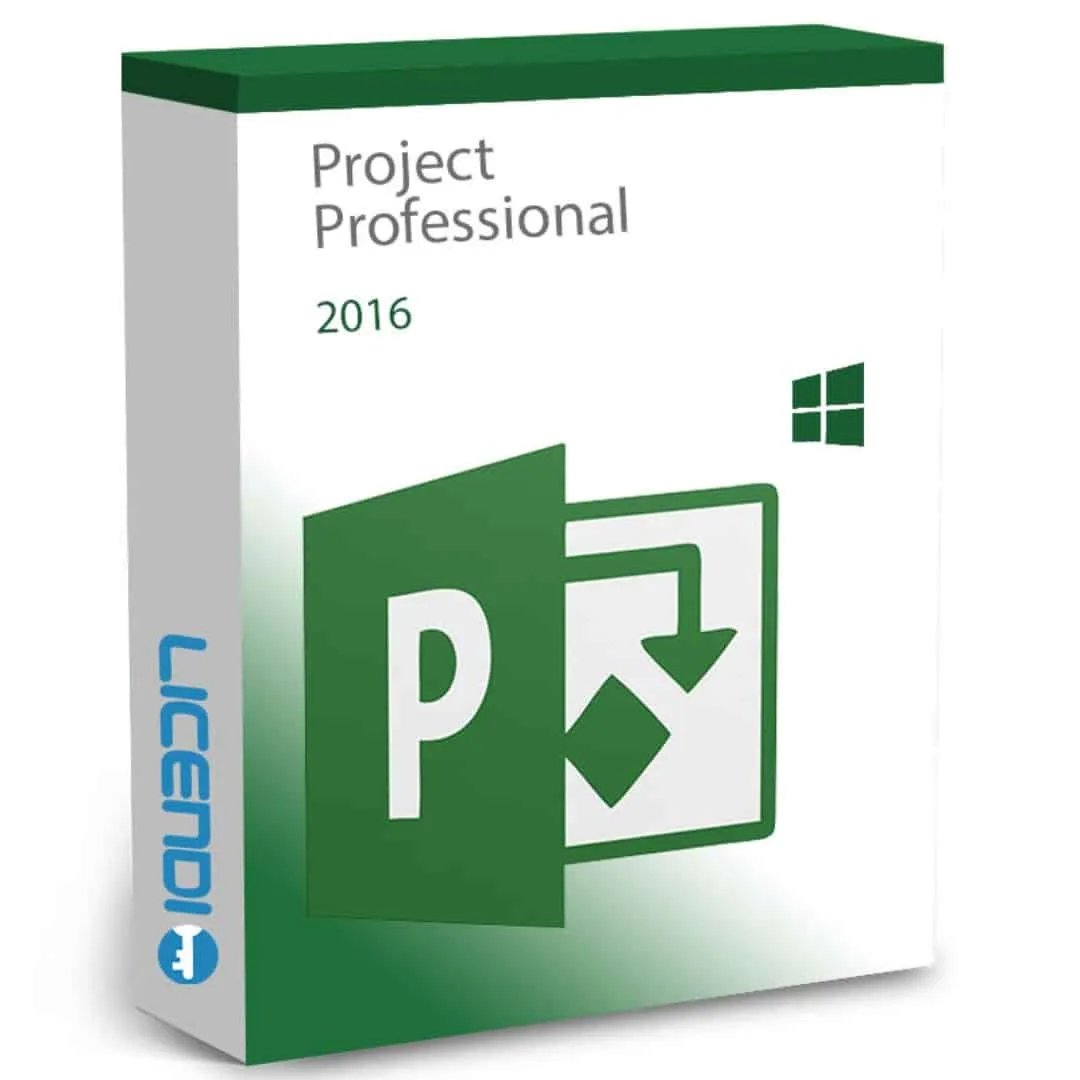
Microsoft Project Professional 2016
About this licence
Microsoft Project Professional 2016 is project management software for businesses of all sizes. It helps plan, schedule and track projects using Gantt charts, timelines and pre-built templates, supporting everything from single-team workstreams to multi-project portfolios.
The perpetual licence is a one-time purchase with no subscription and never expires. Project Professional 2016 includes resource allocation and financial planning tools, portfolio management and dashboards, plus data links and SharePoint/Project Server integration for centralised project publishing and collaboration.
- Perpetual licence — one-time purchase, licence never expires
- Gantt charts and timelines with drag-and-drop adjustment
- Resource allocation and utilisation tracking
- Portfolio management to compare proposals and analyse ROI
- Financial planning with budget and earned value analysis
- SharePoint and Project Server integration plus data links to Excel, SQL Server and SharePoint
System requirements
System requirements — Project Professional 2016
Component RequirementOperating system Windows 7 SP1, 8.1, 10, 11, or Windows Server 2008 R2+
Processor 1 GHz or faster, x86 or x64, with SSE2
Memory 2 GB RAM (64-bit) or 1 GB RAM (32-bit)
Storage 3 GB available disk space
Display 1024 × 768 resolution, DirectX 10-capable GPU
.NET .NET 3.5 required for some features
Internet Required for activation and updates
Architecture 32-bit and 64-bit installers, multilingual
As of 2026-04-22. Microsoft Project Professional 2016 is Windows-only — Microsoft has never released Project for Mac. Extended support for Project 2016 ended on 14 October 2025; perpetual licences continue to work.
Additional information
Licence model
OEM (1531-1 — €29.16): single activation. Tied to the PC where it's first activated; not transferable.
Retail (1531-2 — €58.33): reinstallable on the same device. Bound to the first PC but supports re-activation after reinstall or format.
Both variants are perpetual — pay once, use indefinitely. Multilingual installer (32-bit and 64-bit).
What you receive
- Genuine Microsoft product key
- Official download link for Project Professional 2016 (32-bit and 64-bit installers)
- PDF invoice
- Step-by-step activation guide
How to activate
- Download Project 2016 Professional using the link in your Licendi email
- Install Project on your Windows PC
- Open Project, sign in with your Microsoft account, then enter the product key when prompted — activation is immediate
Support
24/7 email support and live chat. If a key doesn't activate, write to us — we'll work on a solution for you.
About Project 2016 post-support
Microsoft extended support for Project 2016 ended on 14 October 2025. Your perpetual licence continues to work — Microsoft has simply stopped issuing security and feature updates. Organisations requiring continuous updates should consider Project 2019 (perpetual, also post-support as of 2025-10-14), Project Professional 2021 (perpetual, supported through 14 October 2026), or Project Plan 3/5 (subscription).
Frequently asked questions
Customer reviews
No reviews yet
Be the first to review this product after your purchase.