
 Microsoft
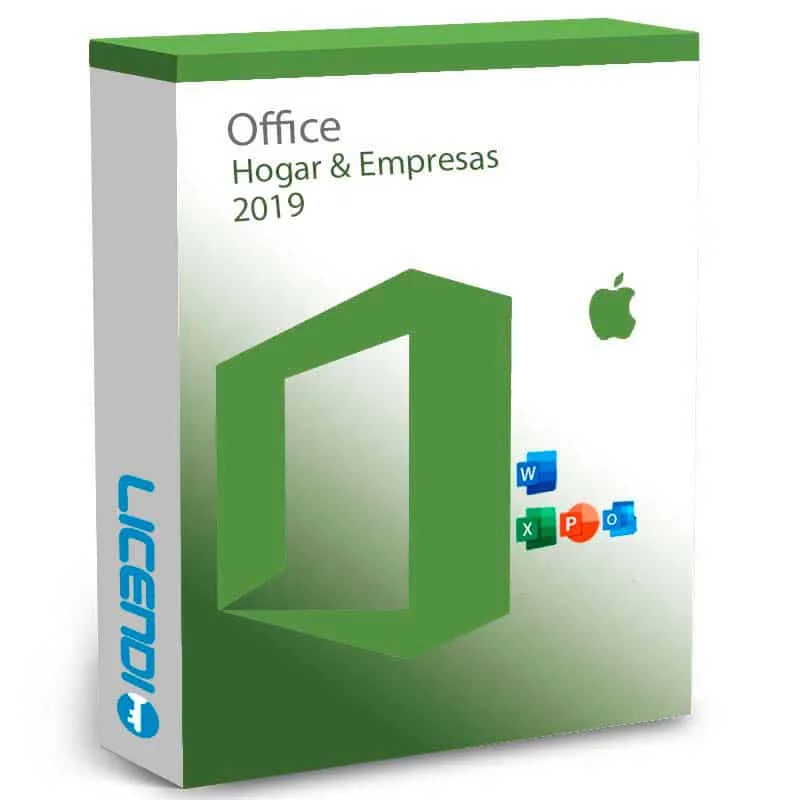
Microsoft Office Home and Business 2019 Mac
About this licence
Microsoft Office Home and Business 2019 for Mac is a perpetual, one-time purchase Office suite for macOS. The retail-bound licence covers one Mac, links to your Microsoft account and can be transferred if you replace the device. Activation requires a product key, setup.office.com and a Microsoft account; delivery is by product key email and Microsoft download.
The Mac edition includes Word, Excel, PowerPoint, Outlook and OneNote with features such as Focus Mode and accessibility tools in Word, new chart types and PivotTable improvements in Excel, Morph transitions in PowerPoint and Focused Inbox in Outlook. Extended support for this product ended on 14 October 2025.
- Perpetual retail licence for one Mac — no subscription
- Includes Word, Excel, PowerPoint, Outlook and OneNote
- Delivery by product key email and Microsoft download
- Activation via setup.office.com and a Microsoft account
- Apple Silicon supported via Rosetta 2; for Intel Mac
- Extended support ended 14 October 2025
System requirements
Processor Intel processor (runs on Apple Silicon via Rosetta 2)
Operating system macOS 10.14 (Mojave) or later
RAM 4 GB
Storage 10 GB free space — HFS+ (Mac OS Extended) or APFS format required
Display 1280 × 800 minimum
Internet Required for initial activation and some cloud features
Microsoft account Required for activation, licence management and transfer
Note on Apple Silicon: Office 2019 predates Apple Silicon Macs. It runs on M1/M2/M3 Macs via Rosetta 2 (Apple's compatibility layer) but is not natively optimised. For native Apple Silicon performance, consider Office Home and Business 2021.
Additional information
License Model
Microsoft Office Home and Business 2019 for Mac is a perpetual, one-time purchase licence. You pay once and own the right to use this version of Office on your Mac without any recurring fees or renewal requirements. The Mac edition is sold exclusively in Retail Bound format — unlike the Windows version, there is no OEM variant. Your licence is linked to your Microsoft account and is transferable to a replacement Mac (one active installation at a time).
What You Receive
After purchase you receive a 25-character product key by email within minutes. This key is used at setup.office.com to download the installer directly from Microsoft's servers. The download includes five Mac applications: Word 2019, Excel 2019, PowerPoint 2019, Outlook 2019, and OneNote 2019.
How to Activate
- On your Mac, open a browser and go to setup.office.com
- Sign in with your Microsoft account (or create a free one)
- Enter your 25-character product key when prompted
- Follow the on-screen instructions to download and install the suite
- Launch any Office app and complete the activation wizard
Keep your Microsoft account credentials safe — your licence is tied to that account. To transfer to a new Mac, visit account.microsoft.com, deactivate the current device, then repeat the activation steps on the new machine.
Compatibility
Office Home and Business 2019 for Mac requires an Intel-based Mac running macOS 10.14 (Mojave) or a compatible later version, with at least 4 GB RAM and 10 GB free storage (HFS+ or APFS format), and a display of 1280 × 800 or higher. A Microsoft account and internet connection are required for initial activation.
On Apple Silicon Macs (M1/M2/M3), the suite runs via Rosetta 2 — it is not natively optimised for Apple Silicon. For native Apple Silicon performance, consider Office Home and Business 2021 (which has native ARM support) or Microsoft 365.
Support Status
Microsoft ended extended support for Office 2019 on 14 October 2025. Your licence remains valid and the software continues to function after this date. Microsoft no longer releases security patches or updates for Office 2019.
For organisations that require active security compliance: Office Home and Business 2021 is the current perpetual alternative (support through October 2026), and Office Home and Business 2024 is the latest version with support through 2029. Microsoft 365 Personal (subscription) provides the most current versions with continuous updates.
Frequently asked questions
Customer reviews
No reviews yet
Be the first to review this product after your purchase.